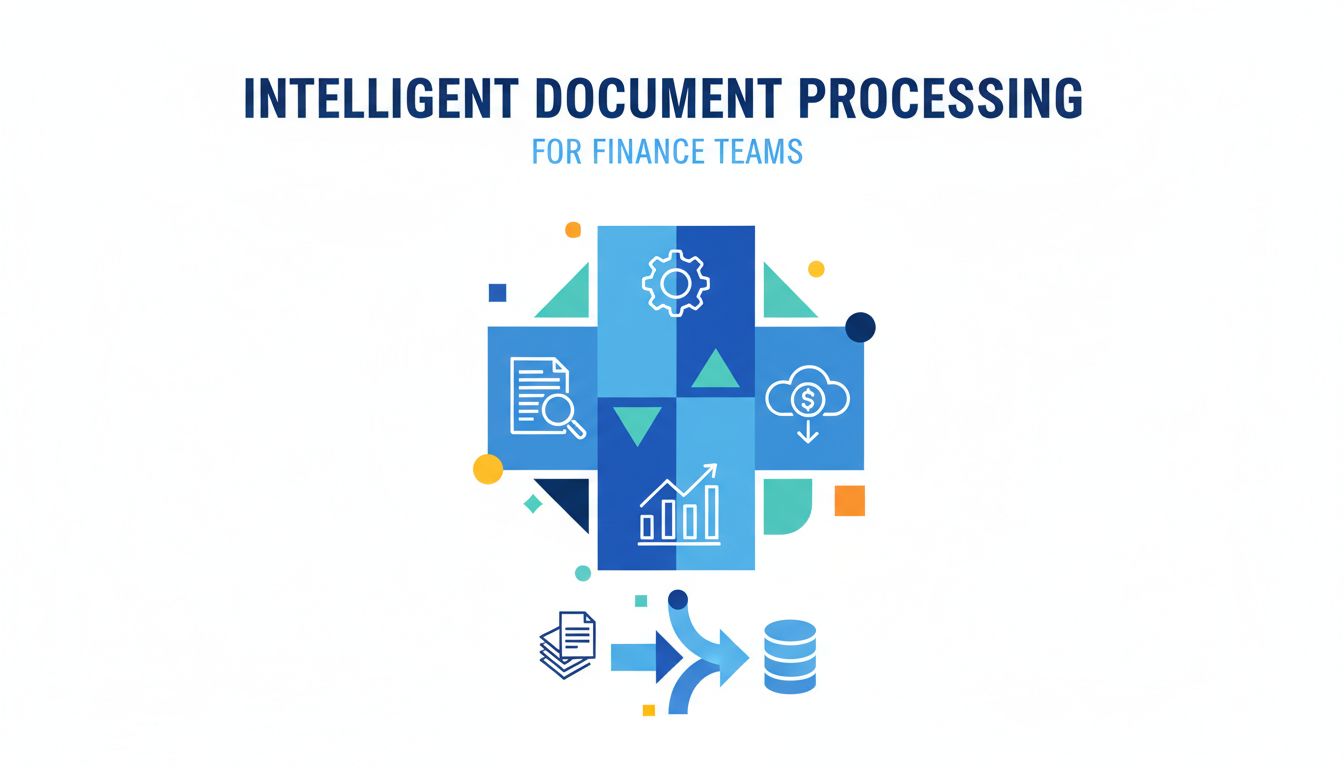
Intelligent Document Processing for Finance Teams
If your team is still living in Excel hell, buried in emailed PDFs and copy paste, you already know this: Documents run your finance function more than your systems do.
This is where intelligent document processing comes in. Consider this "intelligent document processing explained" for finance, in plain language. No magic. Just very practical automation that turns all those invoices, bank statements, and reports into data your systems can actually use.
Let’s walk through what that really looks like in your world.
Why manual document work is quietly holding you back
Slow cycles, hidden errors, and burned-out teams
Think about your month end.
You have invoices to code. Bank statements to reconcile. Reports to consolidate. Every step involves someone opening a PDF, finding the right fields, then typing numbers into some other system.
It works. Until it doesn't.
Manual document work creates three problems that compound over time.
First, slow cycles. Every approval, every reconciliation, is gated by a person with a cursor and a PDF. If they are out sick, or swamped, the entire process backs up.
Second, hidden errors. A single transposed digit in an invoice total or bank transaction can sit undetected for weeks. Then it explodes as a mismatch, a supplier dispute, or a messy audit trail.
Third, burned-out teams. Nobody was hired for “10 years of experience manually checking invoice dates.” It is boring, high stakes, and mentally exhausting work. That is a recipe for turnover and mistakes.
You feel these pains in late approvals, supplier escalations, and reconciliation fire drills. You just may not have labeled the root cause as “manual document processing.”
How manual processing blocks the automation you want
Here is the part many teams miss.
Manual document work does not just slow you down. It blocks almost every other kind of automation you want.
Your ERP, AP automation tool, or reconciliation platform is only as good as the data you feed into it. If that data is trapped in PDFs, email attachments, and scans, your fancy tools become very expensive filing cabinets.
Imagine trying to automate:
- 3 way match when the PO is structured data in your ERP, but the invoice is a PDF attached to an email.
- Cash application when your bank statement is a multi page PDF with inconsistent layouts across banks.
- Budget vs actuals when actuals from multiple systems are exported as reports and glued together in Excel.
Automation needs clean, structured data. Manual processing keeps your data stuck in unstructured documents. That is the silent bottleneck.
Intelligent document processing is basically the missing bridge between “documents everywhere” and “automation actually working”.
What intelligent document processing actually means in practice
From scanned PDFs to usable data: how IDP works step by step
Strip away the buzzwords and intelligent document processing (IDP) is simple:
It takes messy, varied documents and turns them into reliable, structured data that software can use.
Here is what that looks like in practice for a finance team using a tool like PDF Vector.
Ingest the document Invoices arrive by email, a bank statement is downloaded from a portal, or a report is exported from a system. IDP watches those folders, inboxes, or APIs and automatically pulls the documents in.
Understand the layout and content The system figures out what kind of document it is. Invoice, bank statement, remittance advice, management report. If it is a scan or image, optical character recognition (OCR) converts it to text.
Extract the fields you care about Instead of just grabbing raw text, IDP looks for structure. Vendor name, invoice number, due date, line items, tax amounts. For bank statements, it reads dates, descriptions, amounts, balances. For reports, it finds tables, line items, and headers.
Validate and clean the data The system checks for reasonableness and rules. Does the invoice total equal the sum of lines and taxes. Did the bank statement balance roll forward correctly. Obvious issues get flagged before they hit your ERP.
Route for review, then into systems For low risk, high confidence documents, data can flow straight into your ERP, AP system, or reconciliation tool. For edge cases, exceptions, and low confidence extractions, it routes to a human reviewer.
Learn from corrections When humans fix something, the system learns. Over time, it becomes more accurate for your specific vendors, banks, and report formats.
That is it. No black box magic. Just a focused pipeline from “PDF chaos” to “usable data”.
Where IDP fits alongside your ERP, AP, and reconciliation tools
IDP is not a replacement for your ERP or AP system. It sits in front of them as a kind of intelligent intake layer.
Picture this simple map.
| Layer | What it does | Examples |
|---|---|---|
| Documents | Where your data currently lives | Invoices, bank statements, PDF reports |
| IDP (PDF Vector) | Turns those documents into clean, structured data | Invoice fields, statement lines, report rows |
| Core systems | Run your finance processes using that data | ERP, AP automation, GL, reconciliation tool |
| Analytics & reporting | Make the data visible and useful for decisions | BI tools, dashboards, audit reports |
Without IDP, every integration or automation project becomes “ok, but how do we get the data out of the PDFs first.”
With IDP, your other tools can finally assume that the data exists in a structured, consistent way. Which is what they were designed for.
[!NOTE] IDP is most powerful when it becomes a central data capture layer for all your finance documents, not just invoices. That is when patterns, exceptions, and controls get much easier to manage.
How IDP changes invoice, bank statement, and report workflows
Invoices: from emailed PDF to approved for payment
Let’s start with the classic. Vendor invoices.
Today, your flow might look like this:
- Invoice lands in an AP inbox.
- Someone opens the email, saves the PDF, keys data into the AP or ERP system.
- That person codes GL accounts, checks tax, maybe looks at the PO.
- They route it for approval through email or a workflow.
- AP chases down missing data or fixes for mismatches.
Here is what that looks like with IDP plugged in through something like PDF Vector.
- Invoice email hits the AP inbox.
- IDP grabs the attachment automatically.
- It extracts vendor, invoice number, date, terms, tax, line items.
- It matches vendor to your vendor master, tags default coding, checks against POs if you have them.
- Clean, confident data flows into your AP system. Exceptions get routed to a human.
Your team still approves spend and validates edge cases. They just stop retyping the same data 500 times a month.
The result is shorter invoice cycles, fewer duplicates, and better early payment discount capture. Plus your AP staff use their brains on judgment calls, not template guessing.
Bank statements: faster matching and fewer reconciliation headaches
Bank reconciliations are where even “digital” finance teams quietly go manual again.
You export statements as PDFs from multiple banks. Then you either:
- Type the lines into Excel, or
- Save as CSV, then fight with messy formats, missing headers, and broken rows.
With IDP, you treat bank statements as just another standardized input.
Here is how it works.
- IDP reads each statement, regardless of bank layout.
- It extracts every transaction line, with date, description, amount, balance.
- It applies basic validations, like balance continuity.
- It outputs a clean, structured file or API feed that your reconciliation tool or ERP can ingest.
No more “this one bank formats their negative amounts differently, so we need a special macro for them.” The system handles that variability automatically.
Now, your reconciliation logic can focus on what it does best. Matching, exception handling, and cash visibility. Not wrestling with document formats.
Reports and statements: getting line item detail without copy paste
This is the sleeper use case.
Management reports from subsidiaries, loan statements from banks, fee schedules, customer remittance advices. They all arrive in PDF or exported report form.
Your team often:
- Copies tables into Excel.
- Spends time cleaning up headers, merged cells, and random footnotes.
- Rebuilds the same structure every month for the same report.
IDP lets you define the tables and fields you care about once. Then it consistently extracts that structure every time a similar report arrives.
For example:
- Pulling line level revenue by product from a partner statement.
- Extracting interest, principal, and fees from loan statements.
- Grabbing departmental spend from a PDF cost center report for consolidation.
Instead of “each report is a fresh copy paste chore,” you move to “each report is another input to a repeatable pipeline.” That shift is where a lot of surprise time savings appear.
What good intelligent document processing looks like
Not all IDP is created equal. Some “OCR plus guesswork” tools will frustrate your finance team more than they help.
Here is what good looks like.
Accuracy, exceptions, and human in the loop review
You never want a system quietly making up numbers.
A strong IDP setup has three core pillars.
High baseline accuracy It consistently gets the basics right. Vendor names, dates, totals, and line items. It is designed for finance documents, not just generic scanning.
Transparent confidence scores For each field, the system knows how sure it is. High confidence fields can auto post. Low confidence ones get flagged.
Human in the loop Your team can review uncertain documents in a simple interface. Their corrections feed back into the model, improving future accuracy for your specific workflows.
[!TIP] A good rule of thumb. Trust automation by default for low value, high volume fields, and require human review for high risk or unusual transactions. Let the tool surface the “weird ones” instead of your team hunting for them.
Handling new templates, multi page docs, and edge cases
Finance documents are messy in the real world.
Vendors change invoice templates without warning. Banks redesign statements. Some customers send 20 page remittance advices with non standard layouts.
A solid IDP solution will:
- Adapt quickly to new templates without weeks of retraining.
- Handle multi page invoices and statements without splitting or losing context.
- Keep line items correctly grouped when tables flow across pages.
- Manage edge cases like credit notes, negative values, and mixed tax rates.
This is one area where specialized tools like PDF Vector that are built with finance documents as a first class citizen usually outperform generic OCR or “scan to text” utilities.
Measuring impact: cycle time, error rates, and audit readiness
If you cannot measure it, it will get deprioritized.
For IDP, three metrics tell you whether it is doing its job.
Cycle time How long from document arrival to “ready in system.” For invoices, that means time to “approved for payment.” For bank statements, time to “data ready for reconciliation.”
Error rates How often are extracted fields incorrect in a way that matters. Focus on material errors, like wrong amount, wrong vendor, wrong date.
Audit readiness How easy is it to show the path from original document to posted transaction. You want a clean, linked trail. Original PDF, extracted data, corrections, and final posting.
When IDP is working, you see faster closes, fewer rework loops, and calmer audits. Your people feel the difference even before your KPIs catch up.
Where to start and how to think bigger over time
You do not need a massive transformation program to get value from IDP. In fact, trying to “automate everything” on day one is a reliable way to stall.
A simple first project for your team in 90 days
Pick one workflow that hits the sweet spot.
- High volume.
- Repetitive.
- Painful enough that people will gladly change.
For many teams, that is either:
- Vendor invoices from a specific group of suppliers, or
- Bank statements for your primary operating accounts.
A realistic 90 day plan could look like this:
Month 1: Define your target documents, fields, and systems. Connect IDP (for example, PDF Vector) to your email inbox or shared folder. Pilot extraction and routing with a small subset of documents.
Month 2: Refine rules and exception handling with your AP or accounting team. Integrate outputs with your ERP or AP system. Start measuring accuracy and manual touch rates.
Month 3: Expand coverage to more vendors or additional bank accounts. Tighten thresholds for auto posting as confidence improves. Document the process and outcomes.
By the end of that window, you should have one workflow where everyone agrees, “Manual entry used to be our bottleneck. It is not anymore.”
That proof point is powerful when you ask for budget or buy in for the next steps.
Scaling from one workflow to an end to end digital back office
Once you have one successful use case, the question becomes:
Where else are documents quietly slowing us down.
Common expansion paths:
- Add more document types. Credit notes, remittances, card statements, loan statements, management reports.
- Extend automation downstream. Use extracted data to auto match POs, drive accruals, or feed BI dashboards.
- Standardize controls. Use IDP as a central capture layer so every document that touches your GL passes through the same checks and audit trail.
Over time, the mental model of your back office changes.
Right now, it might feel like “we have systems, and then we have all the messy document work around them.” With a strong IDP layer, it becomes “documents arrive, get standardized, then flow through our systems in a predictable way.”
PDF Vector and similar platforms are leaning into this idea. They are not just trying to be smarter scanners. They are building the connective tissue between the real world of PDFs and the clean, structured world your finance stack expects.
If you are curious where to go from here, a good next step is simple.
Pick one document flow that annoys your team the most. Map the current steps from “document arrives” to “data is in the system.” Then ask a straight question.
Which of these steps is really judgment, and which is just extraction and checking.
Everything in that second category is a candidate for intelligent document processing. That is where real, practical automation starts.