Why unstructured document automation matters more than you think
If your automations touch documents at all, there is a good chance you have a hidden problem.
Your zaps and flows look clean. Data from Airtable to Notion. CRM updates from forms. Slack alerts on new deals. Feels good. Then someone uploads a 12 page PDF invoice, or a scanned contract, or an email with a weirdly formatted attachment.
Suddenly your beautiful automation turns into a very expensive notification generator. Because nothing useful actually happens with the document itself.
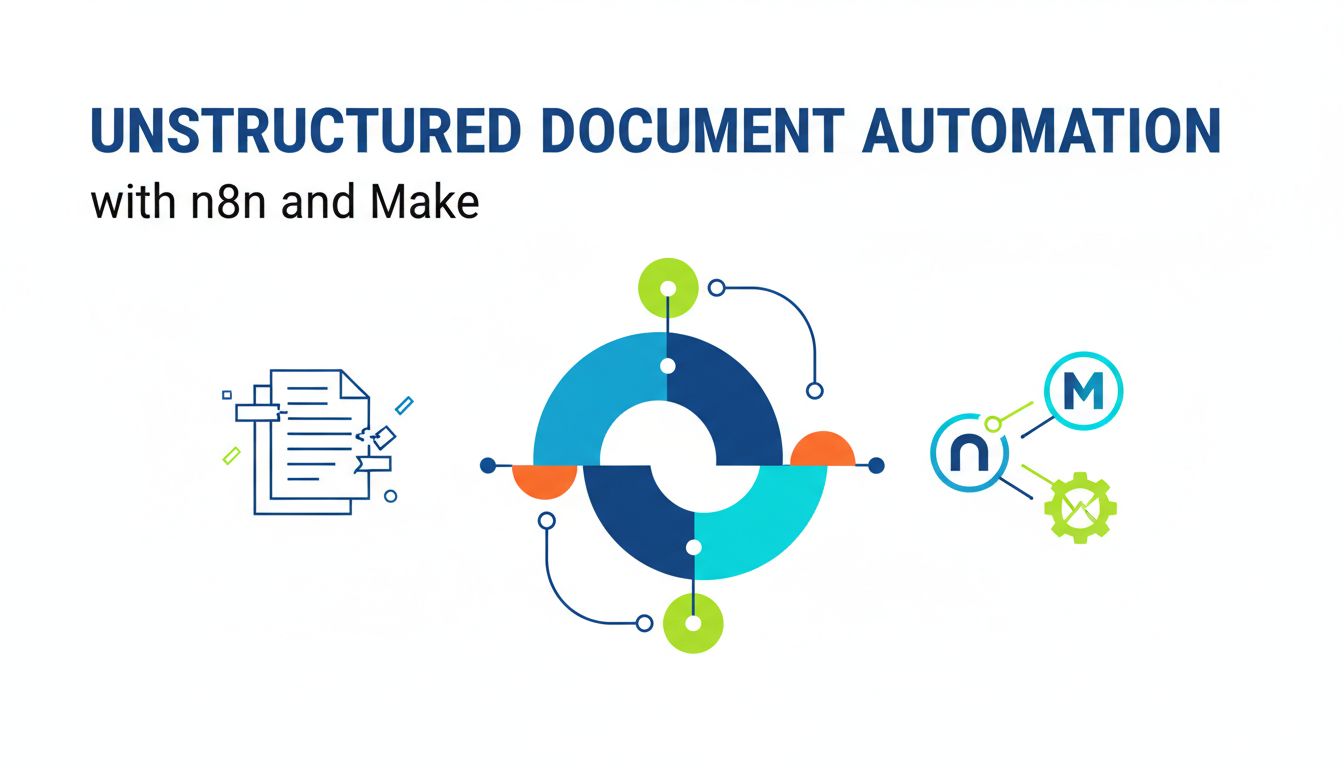
That is the gap unstructured document automation with n8n and Make is meant to close. Not just “save this file somewhere,” but reliably turn messy PDFs, scans, and attachments into structured data your workflows can trust.
Where your current automations quietly break down
Most no code builders eventually hit a point where the flow diagram looks fine, but reality keeps slipping through the cracks.
The weak link is usually this step: “Take this document and somehow get the data out of it.”
You might have flows like:
- New email arrives with an invoice PDF. Upload to Google Drive. Create a task in ClickUp.
- New signed contract in Dropbox. Notify sales channel in Slack. Update deal stage.
On paper, they work. In real life:
- The invoice format changes and the regex in your parser stops matching.
- A vendor sends a scanned image instead of a digital PDF, and OCR was never in the plan.
- A 30 page contract arrives and the only thing your system really needs is 3 fields, but a human has to open it, read it, and type them in.
The automation runs. The result is still manual work.
Real examples of chaos caused by messy documents
A few scenarios you might recognize:
Finance workflows. Vendor invoices arrive as PDFs, images, or even photos. Accounting needs vendor name, due date, total, tax breakdown. Your “automation” is: upload to a folder, ping a human. They copy paste for 3 minutes per invoice. No one calls it a failure, but your “AP automation” is mostly a glorified todo list.
HR and onboarding. New hires send IDs, signed offers, NDAs. Half are e-signed PDFs, half are photos from phones. You want: name, start date, role, and which documents are present. Humans scan through email threads to check what is missing.
Sales and contracts. Signed contracts go into a storage system. Someone on the revenue team periodically opens them to confirm renewal date, contract value, and terms. Half the deals never get proper metadata, so you cannot reliably forecast renewals.
The pattern is the same. Documents enter your system as unstructured blobs. Your automations carry them around, but they never really understand them.
Which means someone on your team has to.
The hidden cost of letting humans clean up your documents
Most teams underestimate how expensive manual document handling really is.
They only see the obvious cost. “We spend a couple of hours a week reviewing documents. Not a big deal.”
That is the tip of the iceberg.
Manual review is your slowest, most fragile “integration”
Think about it as an integration. “Integration: Gmail to Human Brain to Spreadsheet.”
Humans are great at flexible reasoning. They are terrible as production systems.
They get tired. Distracted. They make inconsistent choices. They do not produce logs. And when they leave the team, your “integration” walks out the door with them.
If a critical workflow depends on someone:
- Opening each PDF manually
- Finding a few key fields
- Deciding what they mean
- Then putting that data in your system
You do not have an automated workflow. You have a manual step wrapped in automation theater.
[!IMPORTANT] The most fragile part of your stack is the part everyone assumes “a person will just handle.”
How copy paste work silently kills ROI on your automations
Copy paste work feels cheap. It is not.
Let us say:
- You process 30 documents per day
- Each takes 3 minutes of review and typing
- That is 90 minutes per day, 7.5 hours per week, about 30 hours per month
At even 30 dollars per hour fully loaded cost, that is 900 dollars per month.
And that is just the visible cost. The invisible ones are worse:
- Delayed responses because someone did not get to the documents yet
- Missed SLAs because an inbox got crowded
- Bad data in your CRM or accounting system because someone misread a field
- Opportunities lost because no one had time to pull insights from documents at scale
What most teams do is keep adding more “glue people” to patch the gap. Instead of treating unstructured documents as a first class automation problem.
That is where tools like n8n, Make, and platforms like PDF Vector come in.
How tools like n8n and Make actually tame unstructured documents
Unstructured documents feel messy. That does not mean your approach has to be.
If you break the problem into pieces, it becomes a lot easier to automate intelligently.
Breaking the problem down: capture, extract, enrich, route
Every document heavy workflow can be seen as a loop of four steps.
Capture. Get the document into your system in a predictable way. Email, upload, Dropbox, Drive, a form, an API. In n8n or Make, this is your trigger.
Extract. Turn pixels or text blobs into structured fields. OCR for images and scans. Parsing for PDFs and emails. LLMs for complex or fuzzy content. This is where a service like PDF Vector becomes central, because it is built to reliably pull structured data out of PDFs, not just read them.
Enrich. Add context and sanity checks. Normalize vendor names, currencies, dates. Validate totals. Map to internal IDs. Ask AI to classify the document type or extract higher level meaning.
Route. Decide what should happen next. Create records in your CRM or ERP. Kick off approval flows. Notify only when needed. Archive in the right folder with sensible naming.
When you think this way, “unstructured documents” stop being a scary blob. They become a series of steps you can design, test, and improve.
Where to plug in AI, OCR, and parsing services in your flows
AI is not a magic button. It is another tool to use at specific points.
Here is a simple mental model.
| Step | Traditional tool | AI / modern tool | Typical place in n8n / Make |
|---|---|---|---|
| Capture | Email triggers, webhooks | Smart intake forms, API gateways | First node / trigger |
| Extract | OCR engines, rule based parsers | LLM based extraction, PDF Vector extraction templates | Middle of flow |
| Enrich | Lookup tables, APIs | Entity resolution, classification with LLMs | After extraction |
| Route | Condition nodes, routers | AI scoring for exceptions, priority predictions | Toward the end |
For example, a resilient flow might look like:
- Trigger on new email to “invoices@company.com”
- Download attachments
- If PDF or image, send to OCR or directly to PDF Vector
- PDF Vector returns structured fields like vendor, dates, line items
- Use Make or n8n to validate totals, match vendor to your internal ID, then
- Create or update records in Xero, QuickBooks, or your custom system
AI does not have to control the whole process. It just needs to be smart at the one part humans were doing manually.
[!TIP] Start by automating extraction for a narrow, high volume document type, like invoices or standard contracts, before trying to “AI all the things.”
Practical workflow patterns you can steal for your own stack
Abstract ideas are nice. Concrete patterns get implemented.
Here are two common ones that are worth designing properly. Both work well with unstructured document automation using n8n, Make, and a dedicated parsing layer like PDF Vector.
Turning inbound PDFs and email attachments into structured data
Use this when you have repeatable documents hitting your inbox or storage.
Example: Vendor invoices into accounting.
In Make:
- Gmail or Outlook “Watch emails” module on invoices inbox.
- Filter for emails with attachments.
- Download attachments.
- For each PDF or image, send it to PDF Vector via HTTP module.
- Receive structured JSON back, for example:
{ vendor_name, invoice_number, total_amount, currency, due_date, line_items } - Validate the data. If any required field is missing, mark as exception.
- Create or update a bill in Xero or QuickBooks.
- Save the original PDF to a Drive or S3 folder, named with invoice number and vendor.
- Send a Slack message only for exceptions.
In n8n, the pattern is almost identical. Trigger > attachment handling > HTTP to PDF Vector > mapping node > target system node.
Key design decisions:
- Always log the raw response from your extractor. You will want it later.
- Keep a simple “document processing” table somewhere, like Airtable or your database, to track status per document.
- Minimize what you send humans. Only forward exceptions or ambiguous cases.
This is how you go from “we store all invoices automatically” to “our accounting system is reliably up to date without anyone retyping PDFs.”
Building resilient error handling when documents do not match the template
Reality is messy. Someone will send a 3 year old template, or a non invoice PDF to your invoice inbox.
If you design for that, your automations become trustworthy instead of brittle.
A robust pattern looks like this:
Classify first, then process. Before trying to parse as “invoice,” use an AI classifier or a PDF Vector type classification to identify the document kind. Contract, invoice, receipt, something else.
Confidence thresholds. If you use an LLM or an extraction engine, have it return a confidence value. If confidence < threshold, route to a human, do not continue the happy path.
Graceful degradation. If a field is missing or malformed, do not explode. For example: if tax breakdown fails but total amount is fine, still create a draft bill and tag it as “needs tax review.”
Dedicated exception flow. Do not just send an email that says “something broke.” Instead, create a task with: original document link, extracted fields, error details, and a one click way to approve or correct.
Feedback loop. When a human fixes something, capture that correction. This can feed back into improving your parsing rules or training data for future extraction models.
In n8n and Make, this mainly means using routers and conditional branches properly. One branch for “confident and complete,” one for “partial,” one for “unknown type.”
Your future self will thank you for designing these branches now.
Where this is going next, and how to future proof your automations
AI models and parsing tools are moving fast. The risk is building flows that are so tightly coupled to today’s model output that you have to rebuild everything when something better appears.
You can avoid that with a bit of architectural discipline.
Designing today’s workflows so tomorrow’s models can slot in
The trick is to treat your document understanding layer as a black box with a stable contract.
In practice:
- Define a stable schema for each document type. For example, the “invoice” object always has
vendor_id,invoice_date,due_date,currency,total,line_items. - Make your flows depend on that schema, not on whatever raw JSON your current AI service returns.
- Create a small mapping step where you transform the extractor’s output into your stable schema.
Today, that mapping might call PDF Vector’s API and map its fields. Tomorrow, if you switch models or add a second extractor, you only change that small mapping segment.
Everything downstream, your approvals, accounting, notifications, analytics, keeps working.
[!NOTE] The more you separate “how we understand this document” from “what we do after we understand it,” the easier it is to upgrade tools over time.
Deciding when to keep using Zapier vs. switching to n8n or Make
Zapier is fantastic for simple, trigger action automations. Unstructured document workflows rarely stay simple for long.
A rough decision guide:
| Scenario | Zapier | n8n | Make |
|---|---|---|---|
| 1 or 2 steps, low volume, no branching | Good fit | Overkill unless you already use it | Overkill unless you already use it |
| Document parsing with multiple branches | Can work, gets messy fast | Strong fit | Strong fit |
| Heavy HTTP / API use, custom parsing logic | Doable, less ergonomic | Excellent | Excellent |
| Complex error handling and retries | Limited, especially at scale | Very flexible | Very flexible |
| Self hosting, data residency concerns | Not available | Available | Partially, depending on plan |
A simple rule of thumb:
- If your document workflow is “when there is a file, save it and send a notification,” Zapier is fine.
- If your workflow involves classification, conditional extraction, validation, exception handling, and integrations with multiple systems, n8n or Make will give you a lot more control.
Platforms like PDF Vector integrate just as well with any of these tools. The real question is how much branching logic, error handling, and custom routing you expect to need.
If you are already hitting the limits of what you can express cleanly in Zapier, that is a sign to consider n8n or Make as your document automation backbone.
If you work with unstructured documents, you are already paying the cost. Either in human time, or in missed opportunities.
The upside of getting serious about unstructured document automation with n8n and Make is that the payoff tends to be compounding. Every new document type you automate frees up more attention, and the patterns you build for the first one make the next five much easier.
A practical next step: pick one high volume document type, map out the capture, extract, enrich, and route steps, and prototype a flow that uses a dedicated parsing layer like PDF Vector. Once that is stable, you will start seeing where the rest of your “manual glue” is hiding.