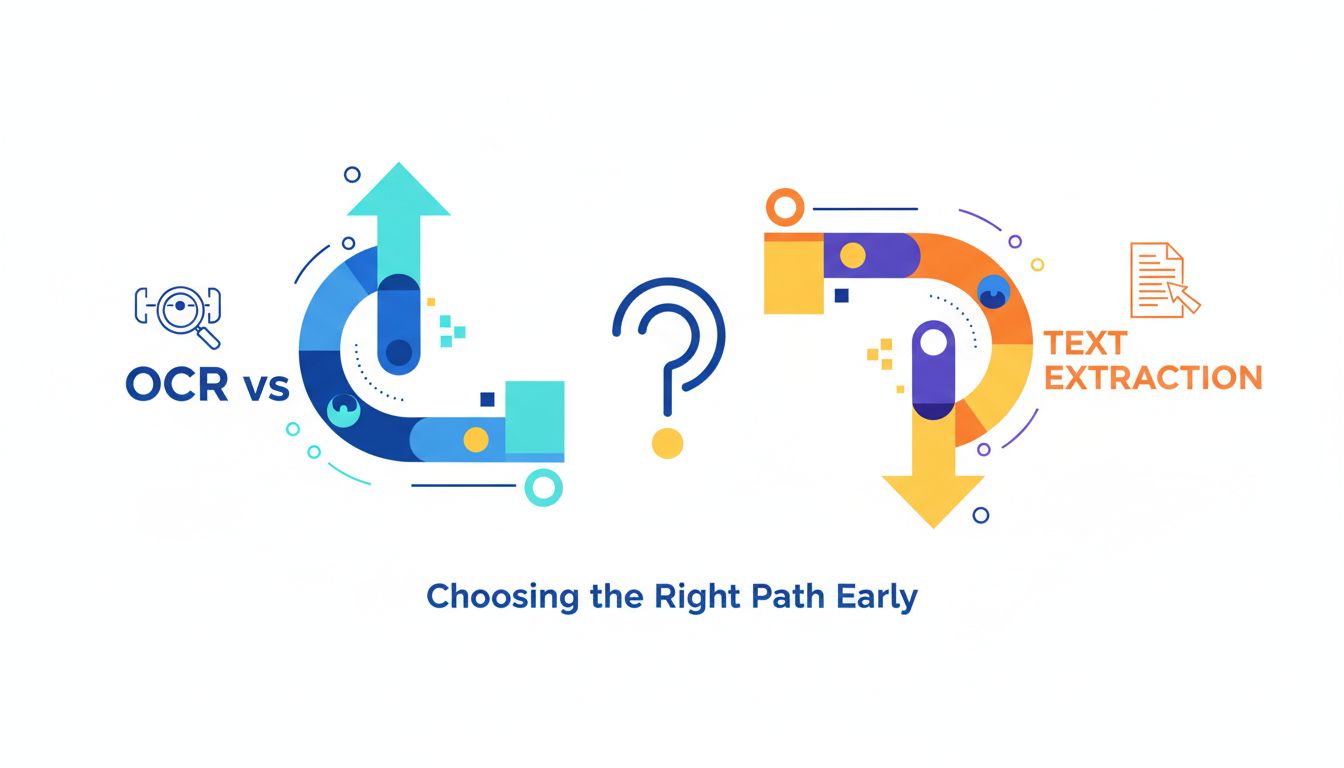
Why OCR vs text extraction is a bigger decision than it looks
Most teams treat OCR vs text extraction as a checkbox in a backlog.
"Yeah, we'll just run OCR on the PDFs."
Six months later, they are debugging why their RAG system hallucinates, why latency exploded after a big customer signed, and why search works on some documents and fails spectacularly on others.
Underneath that one checkbox is a decision that quietly shapes:
- How accurate your answers are.
- How fast your product feels.
- How painful your infra is to maintain.
That is not an infra detail. It is a product decision.
How this one choice shapes UX, accuracy, and cost
Imagine two products.
Product A is an AI research assistant for legal teams. The main workflow is: upload a bundle of contracts, then ask specific questions.
Product B is a tool that watches invoices from an internal system and runs analytics.
Both "work with documents." Both "use AI." Both "need the text."
Yet they need very different answers to the OCR vs text extraction question.
For Product A, a single missed "not" can flip the meaning of a clause. For Product B, getting 999 invoices right and 1 slightly wrong might be fine if the totals still add up.
Same underlying problem, very different tolerance for error and latency.
If you pick the wrong path early, you build the wrong expectations into:
- Your UX.
- Your monitoring and QA.
- Your unit economics.
And those are much more expensive to rewrite later than swapping an OCR library.
Real examples from AI research and document tools
A few patterns I keep seeing:
Example 1: The research copilot with blurry PDFs
A startup built a "research copilot" for scientific papers. They assumed PDFs from arXiv and publishers were mostly text based. So they used a text extraction API that skipped OCR.
The beta went well. Then users started uploading scans of old conference proceedings and screenshots of figures with caption text.
The tool acted confident while giving answers that contradicted the paper. Why? The caption text and some sections were just missing. No OCR, no tokens.
They did not have a graceful way to fall back to OCR. They had built their whole ingestion pipeline and caching logic around fast, text based extraction. Their choice leaked straight into product behavior.
Example 2: The finance tool with crushing latency
Another team built an internal finance tool that processed bills of lading, invoices, and shipping manifests.
They made the opposite mistake. They ran a heavyweight OCR model on everything. Because "AI."
On a single document, the latency was fine. At batch scale, with thousands of pages per hour, the queue time became minutes. Their infra bill spiked. Users started watching spinners.
Later they discovered that 80 percent of their PDFs already contained embedded text. They could have done simple, cheap text extraction in under 100 ms for most files, then only used OCR for the remaining 20 percent.
This is why the OCR vs text extraction choice matters. It is not about buzzwords. It is about how your product behaves in the real world.
What people actually mean by OCR vs text extraction
When someone says "we use OCR," they might mean three completely different things:
- A classic multi step OCR pipeline working on raw pixels.
- A modern Transformer based OCR engine that outputs tokens with layout.
- A generic "PDF to text" API that sometimes uses OCR under the hood, sometimes not.
Untangling these is key before you lock in a path.
Classic OCR pipelines in 2025: from pixels to tokens
At its core, OCR is: you have pixels, you want text.
The traditional pipeline looks roughly like this:
- Preprocess the image. Deskew, clean noise, adjust contrast.
- Detect text regions. Split into blocks, lines, words.
- Recognize characters or words. Older models were character based. Newer models work more like sequence models.
- Reconstruct the reading order and layout.
- Emit text, plus possibly coordinates, confidence scores, and structure.
In 2025, you are usually using an off the shelf engine like Tesseract, PaddleOCR, AWS Textract, Google Document AI, Azure Form Recognizer, or a cloud OCR from a specialized vendor. Some of these are actually doing step 2 to 5 with a single deep model, but conceptually it is still pixels in, tokens out.
Why use this kind of OCR?
- Scanned PDFs.
- Faxes and old books.
- Camera photos.
- Weird internal systems that "print to PDF" as images only.
Any time your PDF page is essentially one big image, OCR is your path.
APIs that skip OCR entirely: when the text is already there
Here is the part many teams overlook.
Most modern PDFs and office documents already contain embedded text. No OCR is required. The file literally carries the text and layout information inside it.
You can:
- Parse the PDF structure.
- Read the text objects and their positions.
- Extract the text plus layout directly, with no recognition step.
Libraries like pdf.js, pdfium, or text extractors inside tools like PDF Vector take this route. They do not "look at the pixels" first. They ask the PDF what text it already knows about itself.
Why this matters:
- It is faster. No heavy model inference.
- It is cheaper. CPU bound parsing, not GPU hungry recognition.
- It is often more accurate. No optical confusion between "1" and "l".
Of course, this only works if the text is actually there. Many "digital looking" PDFs are just images pasted in a container.
This is where a robust parsing layer becomes your friend. It can detect:
- Is there real text? Use text extraction.
- Is this page image only? Trigger OCR for that page.
That hybrid approach is where serious document systems end up, even if they do not plan for it at v1.
[!TIP] A quick check: if you can reliably select and copy text from a PDF viewer, the document probably has embedded text. If selection comes out as gibberish or nothing, you are in OCR territory.
The hidden costs: accuracy, latency, and operational pain
The biggest problem with OCR is rarely "it does not work."
It is that it works 97 percent of the time, and the 3 percent failures quietly poison your search, RAG, and analytics.
Text extraction has its own failure modes. Invisible characters. Broken reading order. Tables flattened into nonsense.
Both paths have costs. They just show up at different layers of your stack.
Why small OCR errors become big retrieval and RAG problems
OCR engines do not usually fail dramatically. They fail locally and quietly.
"not" becomes "hot". "0.01" becomes "0.1". "Section 4.1" becomes "Section 41".
Individually, these are tiny. At scale, they become:
- Wrong embeddings for critical sentences.
- Retrieval that never surfaces the right paragraph.
- LLMs fabricating missing context, because the grounding text is wrong or absent.
Example: You build a RAG system over medical guidelines. An OCR error changes "do not administer with warfarin" to "do administer with warfarin". Your retrieval might still find the sentence, but the meaning is inverted.
This is not a hallucination problem. It is a data problem.
Text extraction has its own stealth errors:
- Broken line merges, so sentences are cut in random places.
- Footnotes blended into body text.
- Multicolumn PDFs flattened into jumbled paragraphs.
RAG systems are surprisingly sensitive to these issues. Embedding models assume reasonably well formed text. Garbage structure in often means garbage retrieval out.
[!IMPORTANT] The quality of your "ground truth" text matters more than your choice of LLM for many document apps. Fix the text stream before you tune prompts.
Latency, throughput, and unit economics at scale
Text extraction from embedded text is usually fast. Tens to hundreds of milliseconds per page, CPU only.
OCR is slower and more resource hungry. You are running image models on every page. At small scale this feels fine. At large scale it becomes a line item.
Here is a rough comparison to anchor expectations:
| Aspect | Pure text extraction | Full page OCR |
|---|---|---|
| Typical latency / page | 10 ms to 200 ms | 300 ms to several seconds |
| Compute cost | Cheap CPU | Expensive CPU or GPU |
| Accuracy (clean text) | High | High to medium |
| Accuracy (noisy scans) | Not applicable | Medium to low, depends on engine |
| Failure mode | Structure / layout issues | Recognition errors, missing tokens |
| Best for | Digital PDFs, docs from systems | Scans, photos, legacy archives |
Now zoom out:
- If you process 100 pages a day, you can accept almost anything.
- If you process 10 million pages a month, a 500 ms vs 100 ms difference per page, multiplied by compute price, is real money.
- If your UX is "wait for ingestion, then chat", 5 seconds vs 45 seconds is the difference between "feels crisp" and "I will check email while this loads."
I have seen teams cut ingestion latency by 80 percent simply by:
- Detecting which documents already had text.
- Extracting those directly.
- Routing only the remainder through OCR.
Text extraction first, OCR as a fallback, is often the winning pattern.
How to choose for your use case, not for a buzzword
"Use OCR everywhere" and "never use OCR" are equally lazy rules.
The right answer depends on your documents, your users, and your business model.
Document types and edge cases that change the answer
Some questions to ask yourself before you write a line of parsing code:
What percentage of your documents are born digital vs scanned?
- If you are ingesting exports from SaaS systems, ERPs, CRMs, or modern legal platforms, most PDFs will have embedded text.
- If your users upload phone photos of receipts, OCR is non negotiable.
How strict is your accuracy requirement?
- "Good enough to surface roughly relevant paragraphs" can survive a small OCR error rate.
- "This clause determines liability" cannot.
What is your traffic pattern?
- Long running, batch ingestion of archives can tolerate more latency.
- Real time chat with "upload then ask" expects visible progress in seconds.
How messy is your layout?
- Clean single column documents are easy for both OCR and text extractors.
- Complex tables, footnotes, sidebars, and multicolumn scientific papers will stress both, but text based parsing plus layout aware tools usually win here.
Do you need coordinates and structure or just raw text?
- For simple RAG over plain text, plain paragraphs are fine.
- For visual QA, redlining, or zonal extraction, you care about positions and blocks. OCR and advanced PDF parsers both can give you this, but quality differs.
Here is how this tends to shake out in practice:
| Scenario | Likely best approach |
|---|---|
| AI copilot over SaaS exports and reports | Text extraction first, OCR fallback if needed |
| Search over 20 years of scanned documents | Robust OCR pipeline, heavy monitoring |
| In browser PDF chat for research papers | PDF text extraction, layout aware, rare OCR |
| Mobile app scanning receipts | Camera tuned OCR, maybe device side, then upload |
| Mixed uploads from many users and systems | Hybrid. Detect text presence, route accordingly |
A simple decision tree for founders and tech leads
Here is a mental model you can use.
Start with the document, not the tech. Look at 50 real sample files. Do not rely on assumptions or sales decks.
Ask: "Can I select and copy logical text?"
- If yes on almost all samples, start with text extraction.
- If no on many samples, you will need OCR.
Decide your default path.
- If >80 percent are text based, make text extraction your default, OCR as per page fallback.
- If >80 percent are image only, OCR is your default, but still detect embedded text so you skip it when possible.
Define your error tolerance and monitoring.
- For high stakes domains, add QA checks on both OCR and text extraction results. For example, run dictionary checks on key fields or compare totals.
- For lower stakes domains, maybe you just log confidence scores and sample.
Only then pick vendors or libraries. Choosing "AWS Textract" or "PDF Vector" or "some open source OCR" comes after you know what you actually need from them.
[!NOTE] Most regrets I see are not about picking the "wrong" OCR engine. They are about hard wiring a single path and never designing for a hybrid, document aware flow.
Designing for the future: keeping your pipeline flexible
Your first parsing setup will be wrong in some way. Documents will surprise you. New customers will bring their own chaos.
The goal is not to predict everything. It is to make your system easy to correct later.
Abstracting your parsing layer so you can swap engines later
Treat text extraction and OCR as implementations, not as scattered ad hoc calls all over your codebase.
A simple way to think about it:
- Define a "Document Page" object in your system.
- It exposes: text, blocks, coordinates, page metadata, and confidence signals.
- Behind that interface, you can use:
- Direct PDF text extraction.
- OCR on images.
- Hybrid approaches that merge both.
Your application should mostly talk to this unified representation, not directly to vendor APIs.
PDF Vector is a good example of a tool trying to sit in that parsing layer. It focuses on getting reliable text and layout from PDFs so that your RAG and retrieval stack is working with high quality input, and you can plug in OCR only where truly required.
The payoff of this abstraction:
- You can test a new OCR engine without rewriting your RAG.
- You can add in domain specific corrections, like custom dictionaries, at one layer.
- You can cache parsed pages regardless of how they were produced.
A small amount of thought here saves you months later.
Data you should be logging now for better models tomorrow
Whatever you choose today, your future self will want to ask:
- Where are we failing?
- Which document types are painful?
- Could a different OCR or parser help?
You cannot answer that if you only store the final text.
Log more than you think:
- Source type. Was this page parsed from embedded text or OCR or both.
- Engine and version. "ocr_engine_v2", "pdf_parser_1.3", etc.
- Per page confidence metrics. If your OCR engine gives confidences, keep them. If your text parser flags weird encoding or font issues, track that too.
- Document fingerprints. Basic hashes, so you do not reprocess the same file repeatedly and so you can compare outputs when you switch engines.
- Downstream errors. When a user flags a wrong answer, link it back to which pages and which parsing path produced the grounding text.
You do not need a huge MLOps stack to start. A few fields in your ingestion logs are enough to give you leverage later.
[!TIP] A practical pattern: store both raw extracted text and a normalized, cleaned version. As your cleaning and layout logic improves, you can re normalize without rerunning OCR on everything.
Where to go from here
Treat OCR vs text extraction as a design choice, not a checkbox.
Start from your documents and workflows. Decide what "good enough" accuracy means for your users. Default to text extraction when the text is already there. Add OCR as a precise tool, not as a reflex.
If you are still at the whiteboard stage, build a thin parsing layer that can:
- Detect whether a page has embedded text.
- Extract that text with layout.
- Route images to OCR only when necessary.
- Expose a clean, uniform page representation to the rest of your stack.
That keeps your options open when you discover the oddball PDFs every real customer eventually brings.
From there, you can plug in specialized tools. A PDF focused parser like PDF Vector for robust text and layout extraction. Your OCR engine of choice for true image pages. And your own domain specific logic on top.
You do not need to solve document understanding forever on day one. You just need to avoid painting yourself into a corner.