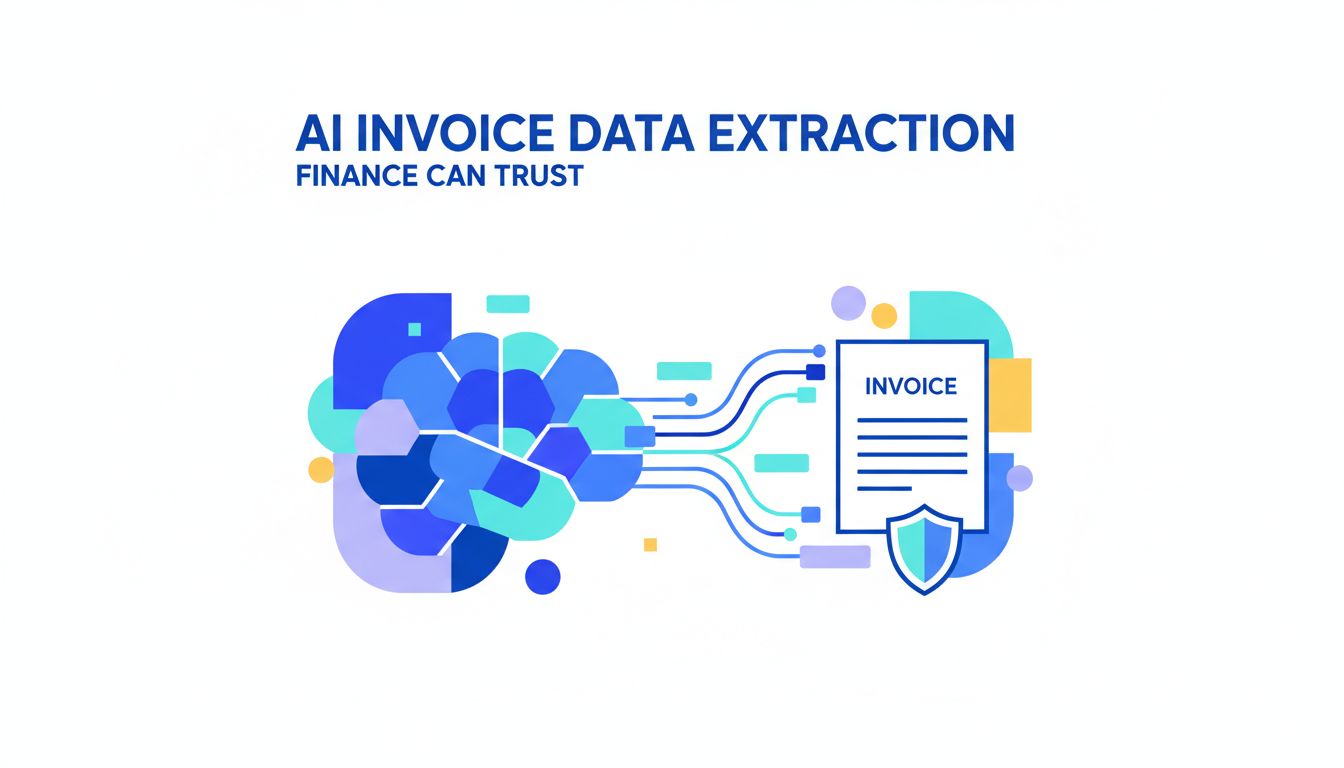
AI Invoice Data Extraction That Finance Can Trust
The scariest part about your month end is not the numbers. It is the documents behind the numbers.
Invoices from 90 different vendors. Bank statements in slightly different formats per bank. Reports exported as PDFs that were clearly never meant to be read by machines.
This is where AI invoice data extraction suddenly stops being a buzzword and becomes survival strategy. Not for IT. For finance and operations.
You do not need more dashboards. You need cleaner, reliable data from the documents you already drown in.
That is what this is about.
Why AI invoice data extraction suddenly matters for finance
The volume and complexity problem no team can hire their way out of
Most finance leaders are facing the same curve. Document volume is growing faster than headcount ever will.
New entities. More payment methods. Additional banking partners. Vendors switching formats whenever their software updates.
You can keep hiring AP clerks and junior analysts. You cannot hire your way out of structural complexity.
Here is what typically happens at a certain scale:
- 1 person becomes the "invoice whisperer" who knows every vendor's quirks.
- Bank reconciliations drift from "daily" to "when we can get to it."
- Exception handling eats your mornings. Month end eats your nights.
Digitizing documents helped for a while. Scanners, shared drives, PDFs. But digitized chaos is still chaos.
Why digitization alone is not enough anymore
Most teams did the first wave of transformation already. Paper to PDF. Fax to email. CSV export if you are lucky.
That solved storage and search. It did not solve trustworthy structure.
A PDF invoice is still unstructured text and pixels. Which means every downstream system, from ERP to BI, needs humans to interpret it.
Traditional OCR gave you "text from images". But a date in the corner and an amount in bold are not useful until a system knows: This is the invoice date, that is the tax amount, this other figure is total due.
[!NOTE] Digitization solves access. AI extraction solves meaning.
Finance is hitting the limit. The next step is not more scanning. It is teaching systems to actually understand what is in your documents.
The hidden cost of manual and template-based data entry
Where time, money, and control quietly leak in today’s workflows
If you ask, "How much time do we spend on data entry?" you will get a small number. If you ask, "How many people touch each invoice from arrival to posting?" you will get a bigger, more honest one.
The cost is not only the typing. It is:
- Routing emails to the right person.
- Downloading, renaming, and filing PDFs.
- Chasing missing fields by email.
- Correcting small mistakes that ripple into reconciliations.
- Re-extracting the same data for audits or analysis.
Those are not line items on your P&L, yet they shape your team’s capacity.
Template-based extraction was sold as the fix. Set up a layout for Vendor A. Map the fields. Done.
Until Vendor A changes their invoice template. Or sends a credit note that looks just different enough to break the rule. Or you onboard Vendor B through Z.
Instead of one bottleneck, you now have dozens of fragile templates to maintain.
How invoice, bank statement, and report data gets distorted in practice
Most finance leaders trust their numbers overall. The problem is the edges, where documents meet systems.
Here is how data gets bent out of shape in real life:
- A bank statement column is misaligned in one month’s PDF. The closing balance is pasted as a transaction. Reconciliation "almost" works and no one has time to dig.
- A multi-currency invoice has totals in USD and local currency. The wrong one gets entered. FX exposure appears inaccurate, even though cash is fine.
- A report PDF has subtotals and grand totals. Someone keys the grand total as a line item. Your expense analysis spikes on a random GL.
None of these are fraud. They are tiny distortions that make it harder to trust what you see.
[!TIP] The more your team "double checks in Excel," the less they actually trust the upstream process.
Manual and template-based methods create a hidden tax on focus. Your people spend brainpower on structure, not judgment.
What AI invoice data extraction actually does differently
From OCR to understanding: how modern models read financial documents
AI invoice data extraction is not just "better OCR." The shift is from reading characters to understanding documents as structured objects.
Modern models do a few important things at once:
- They look at the layout. Where fields are on the page, what is grouped, what looks like a table.
- They interpret labels in context. "Total" next to "Incl. VAT" means something different than "Total ex. VAT".
- They use global patterns. Even if a vendor uses "Bill To" or another language, the model recognizes the role of that field.
So instead of: "Here are all the words on this invoice."
You get: "Vendor name is X. Invoice date is Y. Line items are structured as [...]. Tax breakdown is [...]."
This is the leap. You go from pixels and text, to fields you can book, reconcile, and analyze.
Teams using platforms like PDF Vector are not training thousands of templates. They are telling the model what they care about, then letting it generalize across wildly different formats.
Handling edge cases: multi-page invoices, credits, and messy PDFs
Edge cases are where trust lives or dies. If your AI only works on the "clean" documents, your team will never rely on it.
Let us talk about the ugly ones.
Multi-page invoices. Old systems treat each page as separate. Modern models understand that page 2 continues line items, moves from "services" to "discounts", carries forward totals, and might have the crucial payment terms at the end.
Credits and adjustments. A credit note often looks like an invoice with reversed signs and different language. AI can detect "credit memo" patterns, differentiate between a full credit versus a partial adjustment, and extract the reference to the original invoice.
Messy PDFs and scans. Skewed scans. Low resolution. Stamps on top of text. Using vision-language models, AI can reconstruct content that classic OCR simply drops or garbles, then still map it into consistent fields.
[!IMPORTANT] The question is not "Can AI read my invoices?" The question is "Can AI handle my worst 10 percent reliably, and show me when it is unsure?"
Good systems do both. Extract as much as possible, flag low-confidence fields for review, and keep learning from corrections.
How finance and ops teams can roll this out without losing control
Choosing what to automate first: invoices, bank statements, or reports
The fastest way to lose trust is to try to automate everything on day one. Start where the pain is sharpest and the rules are clearest.
Here is a simple way to think about it:
| Document type | Pain profile | Data shape | Good starting point? |
|---|---|---|---|
| Invoices | High volume, many formats | Semi-structured, line items | Often the best first |
| Bank statements | Medium volume, strict reconciliation | Highly structured, repetitive | Great second step |
| Reports (PDFs) | Lower volume, high-value insights | Varies, sometimes ugly | Third, but powerful |
Invoices are usually the right first move. They touch AP, cash planning, vendor relationships, and often already have some manual or template-based process in place.
Bank statements are a close second. AI can extract transaction details consistently, normalize descriptions, and feed reconciliation rules. The tolerance for error is low, so you design stronger review layers from the start.
Reports like card statements, fee reports, or brokerage summaries are the "insight unlock." Once AI can reliably extract from these, you suddenly have analytics that used to require painful manual aggregation.
If you use something like PDF Vector, you can pilot one flow, like invoice capture into your ERP, then extend the same logic to statements and reports as the team gets comfortable.
Designing review, approvals, and audit trails around AI output
"Trust but verify" used to mean retyping numbers. With AI in the loop, it should mean reviewing what matters most.
Think in tiers:
- High confidence, low risk. Routine invoices under a threshold, from known vendors, with matching POs. These can be auto posted with spot checks or sampled QA.
- High value or sensitive. Large amounts, new vendors, or payments to individuals. Always route for human review, even if model confidence is high.
- Low confidence fields. Whenever the model is unsure about key fields like total, currency, tax, or vendor, send for targeted review.
The important part is visibility.
Your reviewers should see:
- Original document
- Extracted fields, with confidence scores
- Any business rule exceptions flagged (like tax mismatch, PO not found, duplicate invoice)
[!TIP] A solid AI workflow should reduce "blind approval" and make risky cases more visible, not less.
On the audit side, a system like PDF Vector can keep:
- Versions of the extracted data as it was first read.
- Every human correction and approval action.
- A clear log of which automation rules ran and what they did.
That is your audit trail. You can answer "Who changed this amount and when?" without digging through email threads and spreadsheets.
Control is not about who typed the number. It is about who owns the decision and whether you can prove it later.
Looking ahead: what smarter document data unlocks for your back office
Cleaner data as a foundation for forecasting, cash visibility, and audits
Once AI invoice data extraction is working, you will notice something subtle. Fire drills decrease.
You close faster, not because you are rushing less, but because there are fewer surprises.
Cleaner, structured document data gives you:
- More accurate accruals. You see commitments as soon as invoices land, not when someone gets around to typing them in.
- Better cash forecasts. You know upcoming payments by category, vendor, and timing, without manual consolation.
- Easier audits. You can produce a trace from general ledger line, back to document, back to the exact extraction and approval log.
Auditors care less about whether you used AI or a swivel chair. They care whether the process is consistent, documented, and repeatable.
If anything, automation that uses platforms like PDF Vector often improves your defensibility. You no longer depend on tribal knowledge or one AP lead who "knows how this vendor works."
From reactive processing to proactive insight for finance leaders
Right now your documents tell you what happened. By the time you see the story, it is already over.
Once AI is handling extraction, a few interesting things become possible:
- You can spot changes in vendor pricing because you actually see line-item history across thousands of invoices.
- You can analyze payment terms by vendor and category and see where you are silently accepting worse terms.
- You can detect patterns in bank transactions that hint at fees, duplicate charges, or operational leakage.
Those are not futuristic AI tricks. They are simple analyses that were too expensive when the data lived only inside PDFs.
[!NOTE] The real ROI is not "hours saved from data entry." It is decisions you can finally make because the underlying data is trustworthy and available.
That is the shift from reactive back office to proactive partner. Finance becomes less about "reporting what happened" and more about steering.
If you are staring at your stack of invoices and bank PDFs and thinking, "We are not ready for AI," you probably are.
Start with one flow. Pick the document type that causes the most friction. Define what "good enough" accuracy and control look like for your team.
Then test it. Break it. Iterate.
Tools like PDF Vector exist so finance and ops teams can own this themselves, without a year-long IT project or a forest of brittle templates.
Your documents are not going away. But the way you extract, trust, and use the data inside them can change a lot faster than you think.
The natural next step: map one current workflow from "document arrives" to "entry posted" and ask a simple question at each step. "Could a system do this if it understood the document as well as a human?" Anywhere the answer feels like "yes," you have found your starting line.